The Adversarial Control Review Framework | Issue #015
By The Illumenati Team|March 11, 2026|16 min read
SYSTEM.TERMINAL
> loading adversarial_review_framework...
> control_inventory: LOADED
> kill_chain_map: INITIALIZED
> attack_scenarios: 14 MAPPED
> controls_validated: 0 OF 47 CRITICAL
> beginning stress_test...
Map the attack. Walk the chain. Break your own controls before someone else does.
In Part 1, we diagnosed the problem: passing an audit proves almost nothing about your actual security posture. We defined the four types of control failure, examined three organizations that were certified-and-breached, and introduced the adversarial compliance mindset.
Now it's time to build the treatment plan. This is the Adversarial Control Review Framework — a structured methodology for pressure-testing your controls against real attack scenarios instead of compliance checklists. No new tooling required to start. No six-figure purple team engagement. Just a different set of questions applied to the controls you already have.
By the end of this post, you'll have a repeatable process for finding the gaps that audit evidence can't measure — and a template to start applying it this week.
> phase_2: WALK — trace kill chains through control set
> phase_3: BREAK — stress-test each control against failure modes
> phase_4: FIX — prioritize findings by exploitability
> phase_5: VERIFY — confirm remediation under adversarial conditions
The framework has five phases. They're designed to run quarterly in a lightweight version (4–8 hours for a mid-size environment) or monthly for critical control families. The point is not to replace your compliance program — it's to add a validation layer your auditor doesn't provide.
Phase 1: MAP — Know What You're Defending
Before you can test controls, you need to know which ones matter. Not every control in your SSP is equally critical. A control that governs password complexity is important. A control that governs whether your SIEM detects lateral movement is existential.
[1]Identify your crown jewels. What data, systems, or capabilities would cause a reportable breach, regulatory action, or business interruption if compromised? For most organizations, this is 5–10 critical assets.
[2]Map threat scenarios to each asset. Use MITRE ATT&CK as your taxonomy. For a SaaS company holding customer PII, your scenarios might include: credential theft → account takeover, supply chain compromise → data exfiltration, insider threat → bulk data download.
[3]Identify the controls that defend each scenario. For every threat scenario, list the specific controls (by framework ID) that should engage. AC-2 (Account Management), SI-4 (System Monitoring), IR-4 (Incident Handling) — whatever your framework requires.
The output of Phase 1 is a control threat map: a matrix linking crown jewel assets → threat scenarios → defensive controls. This is the artifact that transforms your compliance program from a checkbox exercise into a defensible security posture.
Start Small
Don't try to map every control in your framework on day one. Pick your top three threat scenarios and the controls that defend them. A focused review of 15 controls is infinitely more valuable than a superficial sweep of 300.
Phase 2: WALK — Trace the Kill Chain
This is the core of the framework and the subject of the next section. You take each threat scenario and walk it step by step through your environment, checking which controls engage at each stage.
Phase 3: BREAK — Stress-Test Each Control
For every control that should engage during the kill chain walk, ask the four adversarial questions from Part 1: Does it stop the attack? Is it configured correctly right now? Can it be bypassed? Would anyone notice if it failed silently? Document what you find.
Phase 4: FIX — Prioritize by Exploitability
Not all findings are equal. A misconfigured WAF rule on a public-facing API is an emergency. A missing log source on an internal development server is a backlog item. Rank findings by exploitability (how easy is it for an attacker to leverage this gap) times impact (what happens if they do). This is fundamentally different from ranking by compliance severity, which often prioritizes documentation gaps over actual security weaknesses.
Phase 5: VERIFY — Close the Loop
After remediation, re-run the specific kill chain that exposed the gap. Don't just confirm the ticket was closed — confirm the control now actually stops the attack. This is where most organizations fail: they fix the finding but never validate the fix under adversarial conditions.
“
Traditional compliance asks: “Is the control documented?” Adversarial compliance asks: “Would this control survive first contact with an attacker?” The framework bridges the gap between those two questions.
WALK THE KILL CHAIN THROUGH YOUR CONTROL SET
SYSTEM.TERMINAL
> simulating attack_scenario_01...
> technique: T1566.001 — Spearphishing Attachment
> phase: INITIAL_ACCESS
> expected_controls: [AT-2, SI-3, SI-4, SI-8]
> testing...
This is where the framework gets concrete. Let's walk through a realistic scenario step by step, checking controls at each phase of the MITRE ATT&CK kill chain.
Scenario: A targeted spearphishing email delivers a malicious document to a finance team member. The attacker's goal is to exfiltrate customer PII from a production database.
Stage 1: Initial Access (T1566 — Phishing)
[CONTROL]AT-2 (Security Awareness Training): Has the finance team completed phishing-specific training in the last 90 days? Can they identify a well-crafted spear phish? When was the last simulated phishing campaign against this department?
[CONTROL]SI-8 (Spam Protection): Does your email gateway strip macro-enabled attachments? What about password-protected ZIPs (a common bypass)? Test it — send yourself a .docm in a .zip and see what happens.
[TEST]Adversarial question: If the phish lands, what stops the user from opening it? If the answer is “training,” you're relying on a human control with a known 5–15% failure rate.
Stage 2: Execution (T1204 — User Execution)
[CONTROL]CM-7 (Least Functionality): Are macros disabled by default across the fleet? Is PowerShell constrained language mode enforced? Are there application whitelisting controls?
[CONTROL]SI-3 (Malware Protection): Does your EDR detect macro-based payloads? Not just known signatures — does it catch behavioral indicators like a Word process spawning PowerShell?
[TEST]Adversarial question: Can you execute a benign macro payload on a test endpoint right now? If yes, your execution controls have a gap. Check whether the EDR fires an alert. Check how long it takes for a human to see it.
Stage 3: Persistence (T1053 — Scheduled Task/Job)
[CONTROL]CM-3 (Configuration Change Control): Does your monitoring detect new scheduled tasks on endpoints? Is there a baseline of expected scheduled tasks to compare against?
[CONTROL]SI-4 (System Monitoring): Are endpoint telemetry logs flowing to your SIEM? Is there a detection rule for unusual scheduled task creation?
[TEST]Adversarial question: Create a scheduled task on a test endpoint. Does anyone notice? How long does it take? If the answer is “nobody” and “never,” your persistence detection is a compliance fiction.
Stage 4: Lateral Movement (T1021 — Remote Services)
[CONTROL]AC-6 (Least Privilege): Can the compromised user account access systems beyond their job function? What about the service accounts they have visibility into?
[CONTROL]SC-7 (Boundary Protection): Is your network segmented so that a compromised workstation in finance can't reach production databases directly?
[TEST]Adversarial question: From a standard finance user workstation, can you reach the production database subnet? Try it. Ping the database server. Attempt an RDP or SSH connection. If you can even route to it, your segmentation has holes.
Stage 5: Exfiltration (T1567 — Exfiltration Over Web Service)
[CONTROL]SC-7 (Boundary Protection) + SI-4 (System Monitoring): Does your DLP detect bulk data transfers? Would a 500MB upload to a cloud storage service trigger an alert? What about encrypted transfers to an unknown endpoint?
[CONTROL]AU-6 (Audit Record Review): If the database access logs showed 50,000 SELECT queries in an hour from an unusual source, would anyone see it before the next morning?
[TEST]Adversarial question: Simulate a large data transfer from a staging system to an external endpoint. Does anything fire? How many megabytes can you move before detection? The answer is your actual exfiltration threshold, regardless of what your DLP policy claims.
Kill Chain Walk Results (Industry Averages)
3.2
Controls Engaged
Out of 8+ expected per scenario
68%
Detection Gap
Attacks that bypass at least one layer
4.5 hrs
Avg Detection Time
For lateral movement (if detected at all)
YOUR MISSION: Pick the most likely attack scenario for your environment. Walk it through five kill chain stages. At each stage, identify the controls that should fire, then actually test whether they do. Document every gap. You just did more real security validation than most audit cycles.
▼
Actionable takeaway: You don't need to cover every MITRE technique. Start with the top three attack scenarios most relevant to your industry and data classification. Walk each one through the kill chain. The first time you do this, expect to find gaps in every scenario. That's the point.
THE SOCIAL ENGINEERING AUDIT: TESTING YOUR PEOPLE CONTROLS
SYSTEM.TERMINAL
> scanning people_controls...
> phishing_sim_last_run: 97 DAYS AGO
> vishing_test: NEVER
> pretexting_test: NEVER
> ir_tabletop_last_run: 183 DAYS AGO
> people_controls_validated: INSUFFICIENT
Here's a blind spot that almost every compliance program shares: people controls are audited on documentation, never on performance. Your auditor reviews your security awareness training records and confirms that 98% of employees completed the annual training. What they don't test is whether any of those employees can actually spot a phishing email, resist a pretexting call, or follow the incident response procedure under pressure.
Technical controls fail in predictable, testable ways. People controls fail in messy, situational ways. Testing them requires a different approach.
Beyond Phishing Simulations
Most organizations that test human controls stop at phishing simulations. That's one attack vector out of many. A genuine social engineering audit covers the full spectrum:
[1]Phishing (email): Targeted campaigns against high-value departments — finance, HR, IT admins, executives. Not generic “click here to update your password” templates. Craft scenarios using real context: recent company announcements, current projects, actual vendor names.
[2]Vishing (voice): Call the help desk posing as a remote employee who locked their account. Call a department manager posing as IT support. Can you talk your way into a password reset? A VPN credential? An MFA bypass? Most organizations have never tested this.
[3]Pretexting (scenario-based): Send a Slack message from a “new vendor” asking for system access. Email the finance team a fake invoice from a known supplier with slightly different bank details. Show up at the office with a clipboard and a confident demeanor and see how far you get.
[4]Process stress tests: Trigger a simulated security incident and measure how your team responds. Not a tabletop exercise with warning — an unannounced simulation. Does the right person get called? Does the runbook get followed? How long until containment begins?
“
98% training completion means nothing if 12% of your employees will click a well-crafted phishing link and 40% of your help desk staff will reset a password for a convincing caller. Those are the numbers that matter.
The Help Desk Test
The single highest-value social engineering test you can run costs nothing and takes 30 minutes. Call your own help desk. Claim to be an employee who is traveling, lost their phone (no MFA), and needs their password reset urgently for a client meeting in 10 minutes. Apply time pressure. See what happens. If they reset the password without proper verification, that's the same path an attacker would take. Document it, fix the process, and test again in 90 days.
Actionable takeaway: Schedule one social engineering test per quarter that goes beyond email phishing. Rotate through vishing, pretexting, and process stress tests. Track metrics over time: click rates, credential submission rates, help desk bypass rates, time-to-report. These are the real KPIs for your people controls — not training completion percentages.
TOOLS THAT ACTUALLY HELP
SYSTEM.TERMINAL
> scanning tool_categories...
> category_1: PURPLE_TEAM_PLATFORMS
> category_2: CONTROL_VALIDATION
> category_3: POLICY_GAP_SCANNERS
> category_4: ATTACK_SURFACE_MANAGEMENT
> loading recommendations...
You can run the Adversarial Control Review Framework with nothing but a spreadsheet and determination. But the right tooling accelerates the process from a quarterly project to a continuous capability. Here's what's worth evaluating, organized by the problem each category solves.
Purple Team / Breach & Attack Simulation (BAS) Platforms
What they do: Automate the kill chain walk. These platforms simulate real attack techniques against your production environment and report which controls engaged and which didn't.
-->AttackIQ: MITRE ATT&CK-aligned BAS platform. Runs automated attack scenarios and validates control responses. Strong integration with major SIEM/EDR platforms. Good fit for organizations already using MITRE ATT&CK as their threat model.
-->SafeBreach: Continuous validation with a large library of attack playbooks. Particularly strong at testing network and endpoint controls simultaneously. Provides a “hacker's view” of your security posture.
-->Cymulate: Full attack surface management plus BAS in one platform. Good for organizations that want continuous external + internal validation. Includes phishing simulation, web app testing, and lateral movement scenarios.
Budget reality: Enterprise BAS platforms run $50K–$200K+ annually. If that's out of range, you can achieve 80% of the value with open-source alternatives.
Open-Source Control Validation
-->Atomic Red Team: Library of small, discrete tests mapped to MITRE ATT&CK techniques. Each “atomic test” simulates one specific technique. Perfect for the kill chain walk exercise — pick a technique, run the test, check whether your SIEM/EDR caught it.
-->MITRE Caldera: Automated adversary emulation platform from MITRE themselves. Chains individual techniques into full attack scenarios. More complex to set up than Atomic Red Team, but provides a more realistic multi-stage simulation.
-->Infection Monkey (by Akamai): Open-source breach and attack simulation. Automatically propagates through your network, testing segmentation, credential hygiene, and detection capabilities. Excellent for the lateral movement stage of your kill chain walk.
Policy & Configuration Gap Scanners
These tools close the gap between “what your SSP says” and “what's actually configured.”
-->OpenSCAP: Open-source SCAP scanner that checks system configurations against security baselines (CIS Benchmarks, DISA STIGs). Automates the “is it configured correctly right now?” question for OS and middleware controls.
-->CIS-CAT Pro: Automated assessment against CIS Benchmarks. Provides a scored report showing exactly which configuration settings deviate from the benchmark. Good for proving (or disproving) the “hardened according to industry standards” claim in your SSP.
-->Cloud-native tools: AWS Security Hub, Azure Security Center, GCP Security Command Center. These are free (or cheap) and will tell you immediately whether your cloud configuration matches your documented controls. If you're not running these already, start today.
Social Engineering Platforms
-->GoPhish: Open-source phishing simulation framework. Create custom campaigns, track click rates and credential submissions, generate reports. Pair with realistic templates for genuine validation of your awareness training.
-->KnowBe4 / Cofense: Commercial platforms for ongoing phishing simulation + training. More polished reporting and campaign management. Good for organizations that want to tie simulation results directly to targeted training remediation.
TOOL SELECTION TIP. Don't buy a BAS platform until you've done the manual kill chain walk at least twice. The manual exercise teaches you what questions to ask. The tooling accelerates the asking. If you buy the tool first, you'll automate the wrong things.
▼
Actionable takeaway: Start with Atomic Red Team + your cloud provider's native security tools + GoPhish. Total cost: $0. Total capability: enough to validate your most critical controls against real attack techniques. Graduate to commercial platforms when you've outgrown what free tools can test.
Here's the template. For each critical control, fill in every column. The gap between “expected result” and “actual result” is your real security posture — not the compliance posture, not the documented posture, the actual posture.
Control Stress-Test Template
[A]Control ID: The specific framework control (e.g., AC-2, CC6.1, 164.312(d)).
[B]Control Description: What the control is supposed to do, per your SSP or control matrix.
[C]Threat Scenario: The specific ATT&CK technique or attack scenario this control defends against.
[D]Test Method: How you're testing it — manual validation, Atomic Red Team test ID, BAS scenario, or social engineering exercise.
[E]Expected Result: What should happen if the control works. “EDR blocks process execution and fires alert within 60 seconds.”
[F]Actual Result: What actually happened. “EDR detected but did not block. Alert fired after 47 minutes. No analyst response within 2 hours.”
[G]Gap Classification: Using the Part 1 taxonomy — Missing, Misconfigured, Unenforced, or Bypassed.
[H]Exploitability: Critical / High / Medium / Low. How easy would it be for an attacker to leverage this specific gap?
[I]Remediation Owner: Name, not a team. Someone who will be held accountable.
[J]Retest Date: When you'll re-run this exact test to confirm the fix works under adversarial conditions.
Run this template against your top 15–20 critical controls. That's your first adversarial control review cycle. The first time through will take 8–12 hours for a mid-size environment. Subsequent cycles take 4–6 hours because you're only retesting previous gaps plus any new controls.
“
The template doesn't create new work. It replaces low-value compliance evidence collection with high-value control validation. You're spending the same hours — you're just asking better questions.
CHALLENGE: Complete the stress-test template for your top five controls this week. Share the results with your security team. Bet you'll find at least one control where the “actual result” is materially different from the “expected result.” That gap is worth more than your last audit's entire evidence package.
▼
Actionable takeaway: Copy this template into your GRC platform, a spreadsheet, or whatever tracking system your team actually uses. The format doesn't matter. What matters is that every critical control has a documented adversarial test with an actual result — not just a screenshot proving it exists.
You have the diagnosis (Part 1). You have the framework and the template (Part 2). But a one-time adversarial review is just another point-in-time assessment — exactly the problem we're trying to solve.
In Issue #016 — “Continuous Adversarial Validation”, we'll close the series with the operational playbook for making adversarial control review a permanent capability, not a one-off project:
-->Building adversarial validation into your existing continuous monitoring program
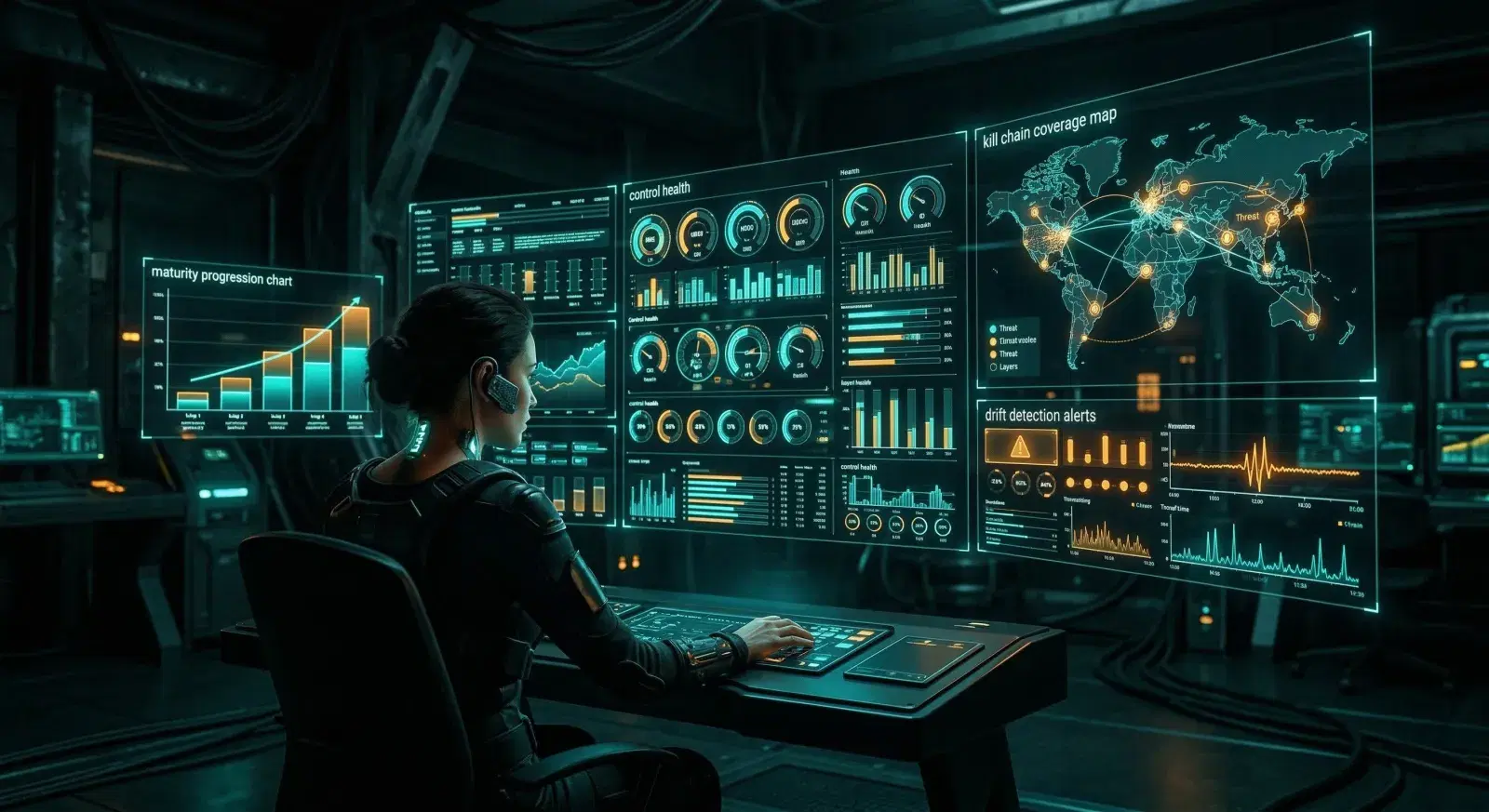
-->Metrics that matter: the dashboard your CISO actually wants to see
-->Integrating control stress-test results into your POA&M and risk register
-->The “adversarial compliance maturity model” — where you are today vs. where you need to be
Your controls passed the audit. Now you know how to test whether they'd stop an attacker. Part 3 makes sure you keep testing — continuously, automatically, and with executive visibility.